You can view, download your statements, and see a list of the services you're being billed for online! You can also access your current and last statement balance as well as your billing history.
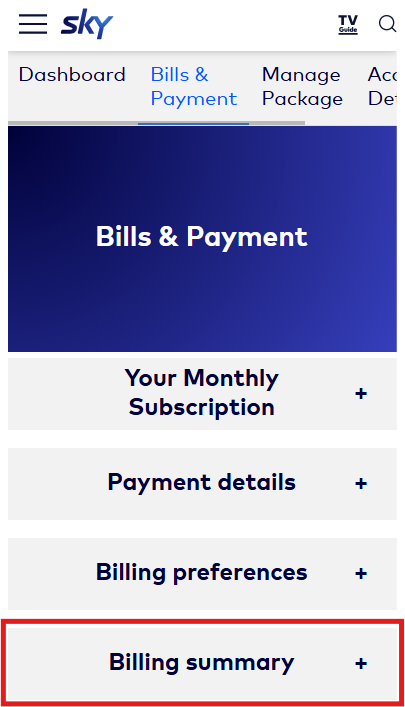
You'll need to register for My Account, or if you already have My Account, simply log in, go to Bills & Payment tab at the top, and you'll see your billing history in the Billing summary section.
Your statements are available in PDF format only so you'll need a PDF reader such as Adobe Reader to view it.
Find out how you can receive your monthly bills and how you can change it from one way to another.
For overview of what each part of the bill means, head over to Understand my Sky bill.


